WhatsApp Desktop
WhatsApp for PC is the most popular web app that helps you end-to-end encryption chat and audio/video calls.

Safe & Secure
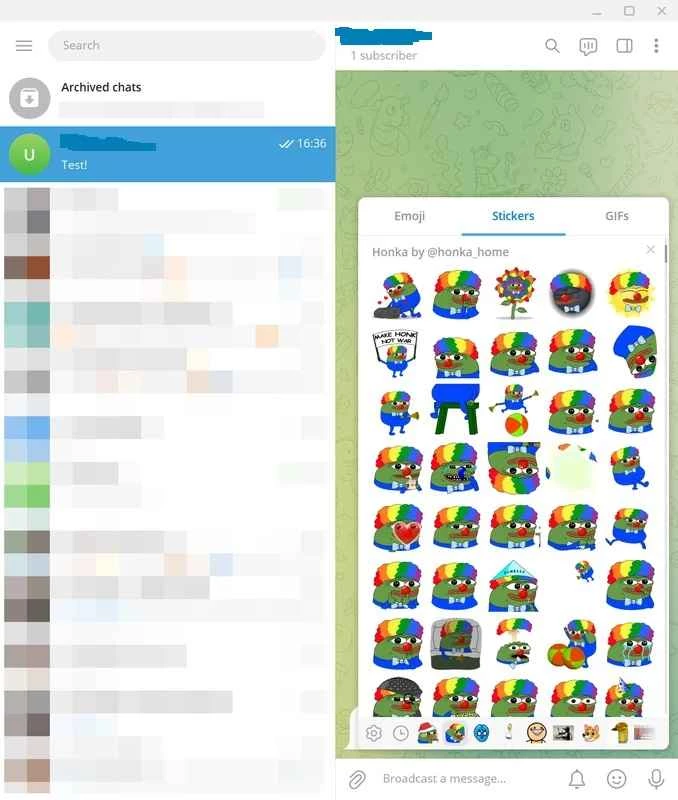
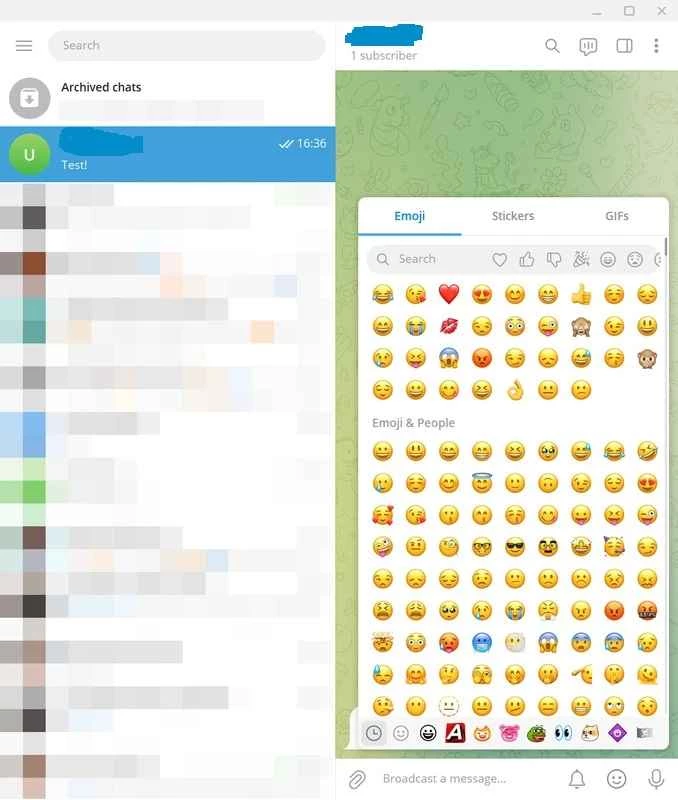
Telegram Desktop Portable is a simple, yet efficient portable version of the powerful instant messaging app. So, you do not need to install the app on your Windows operating system; instead, decompress the file, get the Telegram.exe executable, and run it. You can pair it with the device that already has Telegram Desktop installed on it.
It is a super-fast, simple, and free-to-use utility, offering seamless synchronization among multiple digital devices, including Windows, Android, tablets, and so on. It makes your communication more reliable and smooth without any hassle of bells and whistles, as with other complex apps.
Telegram Desktop Portable, developed by Telegram FZ-LLC, is a freeware instant messaging program that falls under the Communication Category. It is the official client of the most popular Telegram, allowing users to send and receive text messages, make audio/video calls, and share their sensitive content hassle-free.
The app allows users to only mirror their Android app using a USB flash or external hard drive and use it for multiple purposes without installing it on their Windows computers. The end-to-end encryption ensures your online privacy and security.
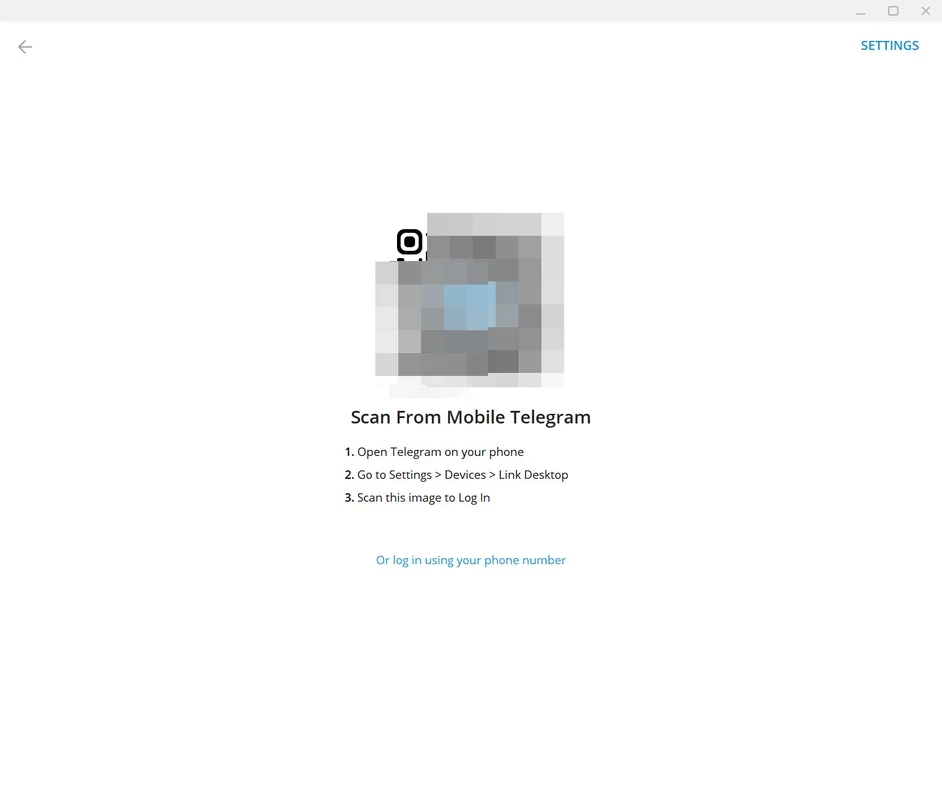
The app doesn’t require any installation; instead, you need only to decompress the file and select the Telegram.exe executable file to run it. In this way, you can quickly access your instant messaging app and save your precious storage space on your computer. You can use the QR scanning process with the mobile app, and sync your mobile app with the Telegram Desktop Portable account, and reliably access your chats, photos, videos, and documents.
The file-sharing procedure is extremely simple to follow, and you can send and receive your files and archive them. The app also supports all types of file formats to make your file-sharing process simple and easy, allowing you to share your photos, videos, and even sensitive documents. There isn’t any size or number of files limitation; instead, share reliably.
The app offers end-to-end encryption, specifically for your private chatting, and uses strong cryptographic primitives for client-server communications. It also offers multiple privacy controls to manage your last seen, profile photos, forwarded messages, attribution, and the capability of deleting messages for all participants. In addition, the open-source capability offers source code and release artifacts on GitHub.
The portable functionality enables users to take the app anywhere while using a USB drive, instead of installing it on their system. It helps you to send and receive messages, use bots, follow channels, and use dark mode for the comfort of your eyes. It offers the satisfied messaging experience, ensuring a smooth and flexible communication process.
Tailor awesome personalized settings according to your preferences, including selecting dark mode, setting notifications, editing the theme, using custom stickers, choosing layout design according to your choice, and also using keyboard shortcuts for quickly access to your desired features. It also allows you to select contacts whose messages you want to receive. In this way, you can easily maintain your chat sessions.
Beyond offering a text messaging facility, the app also facilitates audio calls, supporting different media to allow users to talk with their friends and family. The crystal-clear audio calls and high-quality help the users to enjoy limitless conversations across the world. In addition, the app integrates with cloud services, allowing users to sync their chats across multiple devices.
The app offers robust performance while using distributed infrastructure to deliver your messages quickly, even on a weaker internet connection. It offers large groups and channels for users to join a huge community according to their preferences, as there are both types of groups are available: private and public.
Pros
Cons

WhatsApp for PC is the most popular web app that helps you end-to-end encryption chat and audio/video calls.

Microsoft Teams collaboration and communication tool for personal and professional use

Download Facebook Android APK on PC Windows (7/10/11) to upload and share your happy memories, photos, and videos.

Zoom App for PC get all of your co-members and students in a video conference

Discord Canary, test upcoming features before they release

Telegram Desktop is Communication app for PC. Working under the MTProto protocol.